
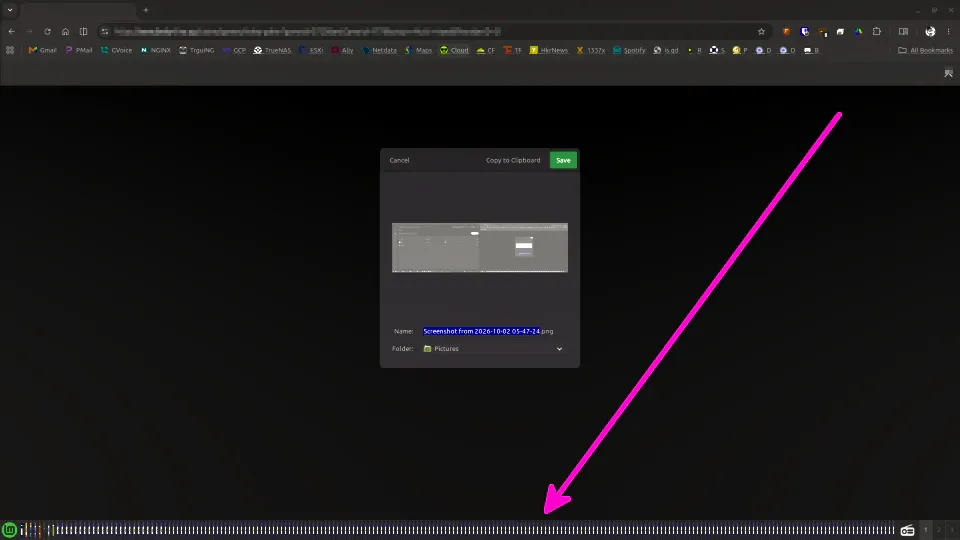
If you run Linux Mint or LMDE and have ever fallen asleep on your keyboard, you might awaken to a system with a million instances of the gnome-screenshot utility open in your grouped window list panel/taskbar. I believe the reason for this is because somehow you are holding the PrtSc button down and that application is executing on a key-down event instead of key-up or key press.
This has become such routine for me that I created this alias:
alias ks='pkill -f gnome-screenshot'
When it happens switch to one of your virtual terminals (CTRL+ALT+F1 through F5) and run your alias by typing ks. It stands for "kill screenshot" if you couldn't tell. To return to your desktop GUI press CTRL+ALT+F7.
That's all for this post, take it easy everyone.
